
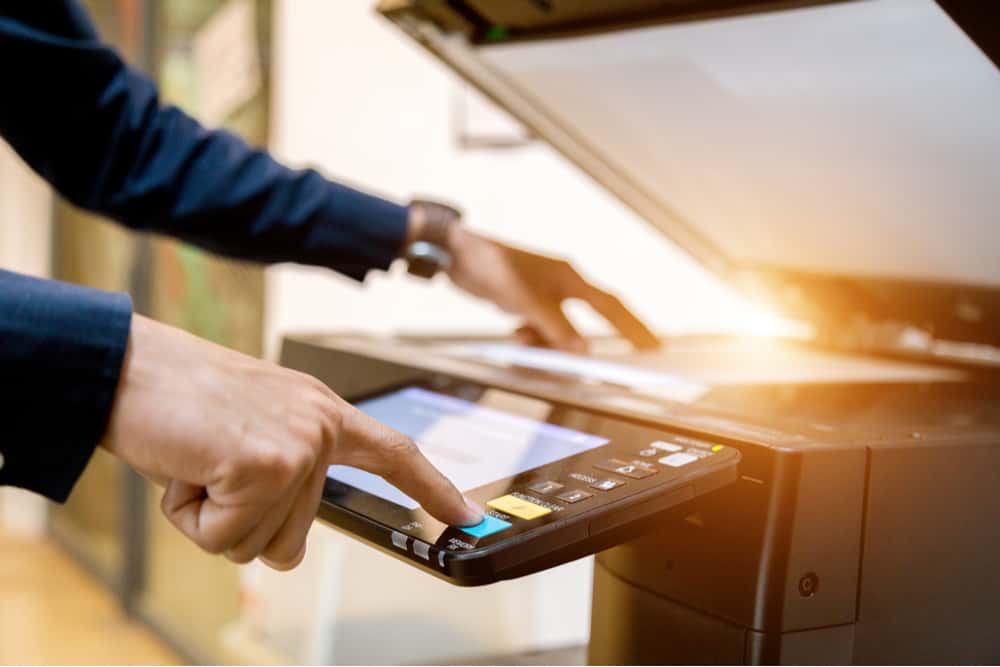
Jakarta, adminca.sch.id – Effective Document Scanning has become an essential part of modern office administration. Many organizations still rely on paper records for contracts, invoices, forms, reports, and historical files, but paper-based storage can slow down access, increase physical clutter, and create risks related to loss or damage. By converting paper files into searchable digital records, admin staff can improve organization, speed up retrieval, and support more efficient document management across the workplace.
Document scanning is not simply a matter of feeding papers into a machine and hoping for the best. To be useful, scanned records need to be clear, properly named, accurately organized, and searchable. When done well, scanning helps transform traditional filing into a more practical and reliable digital system.
Why document scanning matters in administration
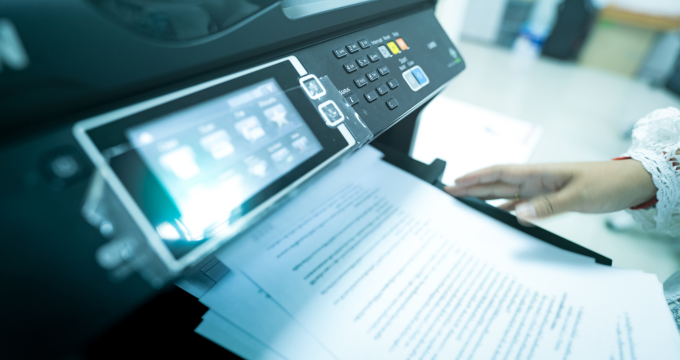
Document Scanning matters because office operations increasingly depend on fast access to information. Paper files can be useful, but they often require manual searching, physical storage space, and extra handling. In busy workplaces, this slows down workflow and makes document sharing more difficult.
Digital records provide several advantages. They can be stored securely, searched quickly, backed up more easily, and accessed by authorized staff without the need to locate a physical folder. For admin staff, this means less time spent digging through cabinets and more time supporting actual work.
Benefits of searchable digital records
One of the biggest strengths of Document Scanning is the ability to create records that are not only digital, but searchable. When optical character recognition or similar processing is used, scanned files can be indexed by words, dates, names, or reference numbers.
Benefits include:
- Faster document retrieval
- Reduced paper storage needs
- Better record organization
- Easier sharing between departments
- Improved backup and disaster protection
- Greater support for remote or hybrid work
These advantages can significantly improve office efficiency, especially in environments where documentation is frequent and time sensitive.
Steps admin staff can follow for better scanning
To make Document Scanning effective, admin staff should follow a clear process rather than scanning files randomly.
Prepare documents first
Remove staples, clips, and damaged pages. Sort documents into logical batches before scanning.
Use clear scan settings
Choose appropriate resolution, file type, and color settings based on the document’s purpose and readability needs.
Apply optical character recognition
When possible, use software that converts scanned text into searchable content. This greatly increases long-term usefulness.
Use consistent file names
Files should be named clearly using dates, titles, categories, or reference numbers in a standard format.
Store files in organized folders
Scanned records should be saved in a shared structure that staff can understand and maintain.
Check image quality
Blurry pages, cut-off sections, or unreadable text reduce the value of digital records. A quick quality check prevents future headaches.
Back up the files securely
Scanned documents should be protected through reliable backup and appropriate access control.
Common mistakes to avoid
Admin teams may reduce the benefits of Document Scanning if they overlook basic document management habits. Common problems include:
- Scanning without naming files properly
- Saving files in inconsistent folders
- Ignoring image quality
- Skipping searchable text processing
- Duplicating files across multiple storage locations
- Failing to apply document security rules
These issues create digital clutter that can become almost as frustrating as paper clutter, just with fewer paper cuts and more suspicious folder names.
Making scanning part of a larger records system
The best Document Scanning practices work as part of a broader records management system. Admin staff should know which documents must be kept, how long they should be stored, who should have access, and whether physical copies still need to be retained. Scanning should improve the system, not simply move disorder from cabinets to computers.
This broader view helps organizations use digital records more responsibly and more effectively over time.
Final thoughts
Document Scanning helps admin staff convert paper files into searchable digital records that are easier to store, retrieve, and manage. With clear preparation, accurate naming, searchable text tools, and secure storage, scanning becomes a practical way to improve office efficiency and reduce document-related delays.
In modern administration, fast access to reliable information matters greatly. A strong scanning process helps make that access possible, one well-labeled file at a time.
Explore our “”Knowledge“” category for more insightful content!
Don't forget to check out our previous article: Filing Systems: Organized Methods for Admin Staff to Store and Retrieve Documents Fast